 Apple is currently in the process of blocking the SAM unlock, reports MuscleNerd. If you need to unlock a SIM or backup your unlock ticket do it now!
This blog is all about the GSM Mobile Solution , Tips of the Handset function.
Friday, April 27, 2012
Apple is Blocking the SAM Unlock, Backup Your Unlock Tickets!
Apple is currently in the process of blocking the SAM unlock, reports MuscleNerd. If you need to unlock a SIM or backup your unlock ticket do it now!
abcd


Monday, April 23, 2012
How to Save Your iPhone Unlock Ticket Using RedSn0w
These are instructions on how to save your iPhone unlock ticket using RedSn0w after unlocking with SAM. It's very important you do this to ensure continued unlock of your SIM in the future.
Step One
Download the latest version of RedSn0w from here.
Double click to extract the downloaded archive.

Step Two
Launch the RedSn0w application from within the extracted folder.

Step One
Download the latest version of RedSn0w from here.
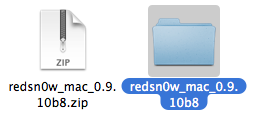
Double click to extract the downloaded archive.
Step Two
Launch the RedSn0w application from within the extracted folder.

abcd
iPhone Dev-Team Updates RedSn0w to Save iPhone Unlock Tickets
The iPhone Dev-Team has updated RedSn0w with the ability to save iPhone unlock tickets.
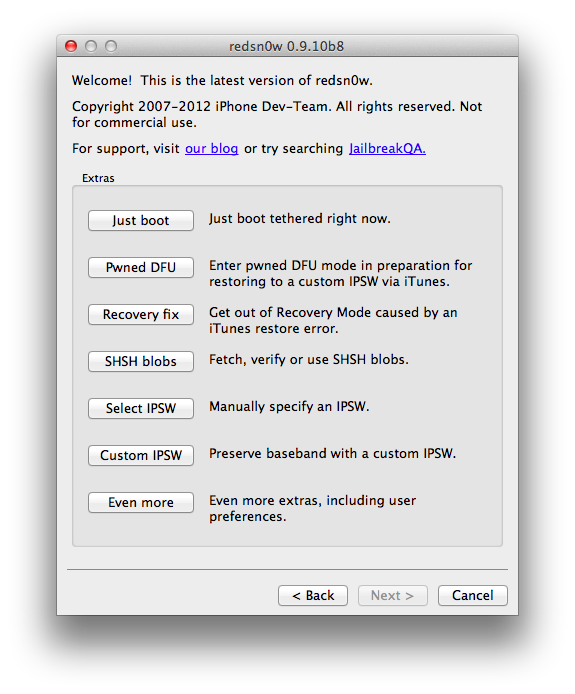
redsn0w 0.9.10b8 adds the ability to backup arbitrary directories or files from your device into a zip file on your Mac or PC. The new button is Extras->Even More->Backup and it requires your device to be jailbroken with the afc2 service enabled (most jailbreaks include that). By default it will backup your activation records from /var/root/Library/Lockdown, which is useful for everyone taking advantage of today's SAM unlock using Loktar_Sun's trick
abcd
Sunday, April 22, 2012
How to Unlock Your iPhone 4S, iPhone 4, iPhone 3GS Using SAM [5.0, 5.0.1, 5.1]
These are instructions on how to unlock your iPhone using SAM. This method will work with the iPhone 4S, iPhone 4, iPhone 3GS, and iPhone 3G on iOS 5.x.
Step One
Jailbreak your iPhone
Step Two
Tap to launch Cydia from your SpringBoard.

Step Three
Press to select Manage from the tabs at the bottom of the screen.

Step Four
Press the large Sources button.

Step Five
Press the Edit button at the top right of the screen.

Step Six
Press the Add button that appears at the top left of the screen.

Step Seven
Enter http://repo.bingner.com and press the Add Source button.

Step One
Jailbreak your iPhone
Step Two
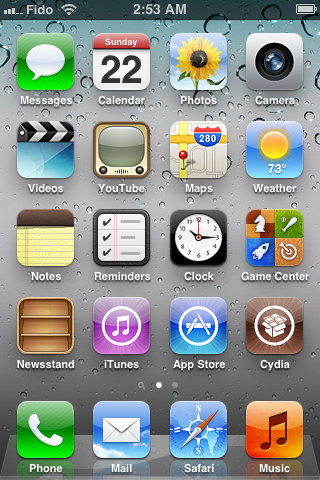
Tap to launch Cydia from your SpringBoard.
Step Three
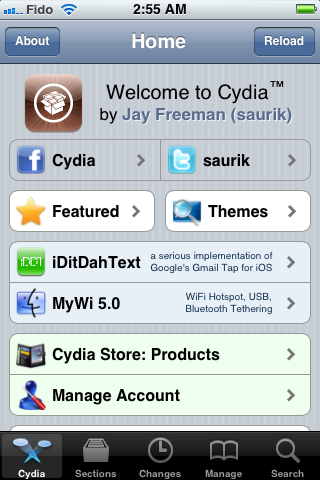
Press to select Manage from the tabs at the bottom of the screen.
Step Four
Press the large Sources button.
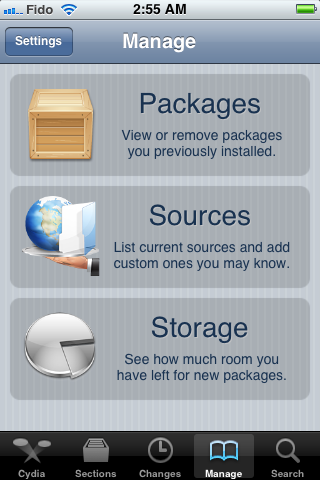
Step Five
Press the Edit button at the top right of the screen.
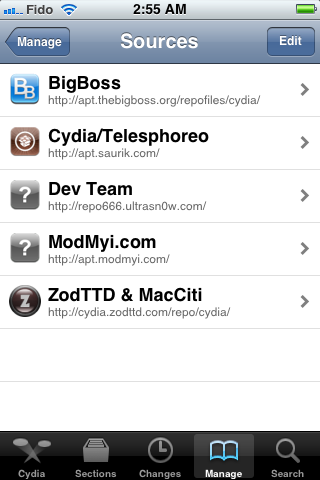
Step Six
Press the Add button that appears at the top left of the screen.
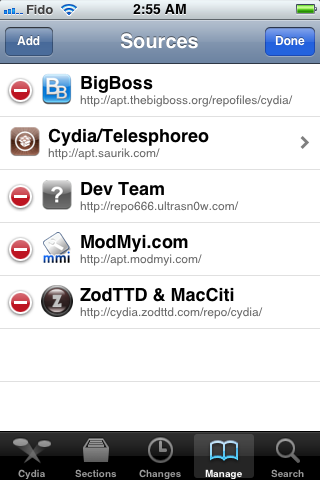
Step Seven
Enter http://repo.bingner.com and press the Add Source button.
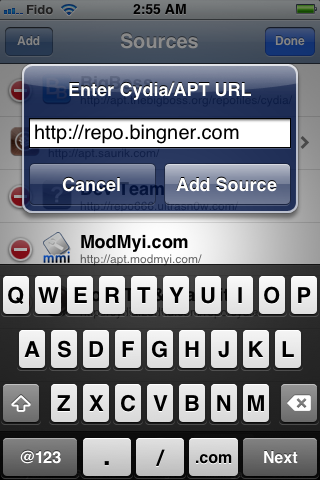
abcd
Friday, April 20, 2012
iPhone Dev-Team Updates RedSn0w 0.9.10b7 to Jailbreak iPhone 4S, iPad 2 on iOS 5.0.1

The iPhone Dev-Team has updated RedSn0w-0.9.10b7 to jailbreak the iPhone 4S and iPad 2 on iOS 5.0.1.
Version 0.9.10b7 of redsn0w adds a collection of useful features: It finally implements the corona-A5 jailbreak for iPhone4S and iPad2 devices still at 5.0.1. It can also re-install that jailbreak for those who accidentally uninstalled the untether. When stitching an IPSW, it can now grab your blobs directly from Cydia. It now shows a lot more info about your device (for instance, whether your iPhone3G has the vulnerable baseband boot loader, or whether your iPhone3GS has the old exploitable bootrom. (And the next new feature to be added will be built-in restore support, to provide an alternative to iTunes restores.)
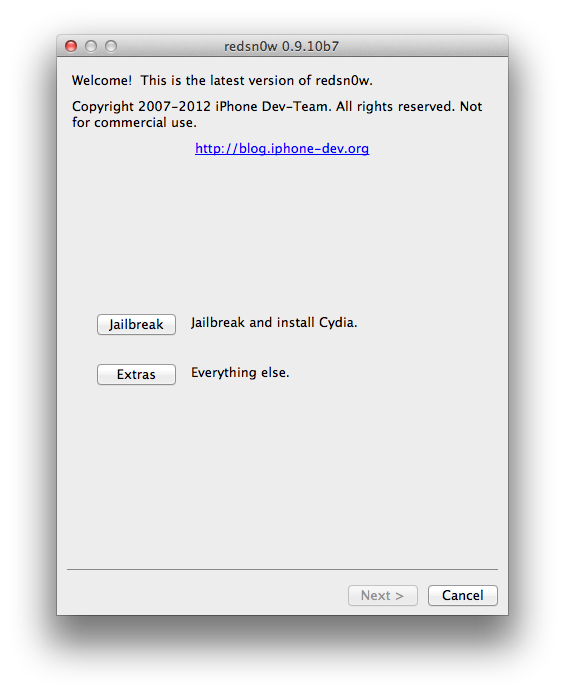
Download Redsn0w 0.9.10b7:
You can download redsn0w 0.9.10b7 for Windows and Mac OS X from the links below:
- redsn0w 0.9.10b7 for OS X
- redsn0w 0.9.10b7 for Windows (be sure to run in Administrator mode)
abcd